How it works
One router skill reads your request and sends it to one of six workflows. Every film then runs the same ten stages, like a production company, and every frame is written as code.

The router
The router reads your project state and your request and picks one workflow; the workflow says what each of the ten stages means for its kind of film.
| You ask for | It runs | You get |
|---|---|---|
| A film made from scratch | ice-film | A finished MP4 plus a delivery report |
| A voice explains something | ice-explainer | A narrated explainer with captions |
| Make it like this | ice-remake | A new film in that style, with your content |
| An edit of your own footage | ice-edit | The cut, captions, vertical versions |
| Lottie and UI motion | ice-lottie | Lottie JSON or animated SVG plus a developer handoff |
| Ideas before anything is built | ice-ideas | A concept set and a script, ready to build |
Two ways to use it
One prompt, for everyone
In Claude Code, start your first message with /ice-motion-director:ice, then describe the film in your own words, short or long. The command makes Claude Code load the director's instructions itself, so the run starts the right way even when other video skills are installed. The director researches your business first, then asks about every decision your prompt leaves open: four options per question with the recommended one first, at most four questions per message, and more than one message when many decisions are open. It asks nothing when your prompt already covers everything, or when you say "don't ask"; otherwise it waits for your answers, because silence is never taken as a yes. Then, only if you are there to answer, one preview (the style frames or the animatic), and after that it runs to the final file with no more questions. As each stage lands it sends you two lines and its stills without waiting for a reply, so a note can reach it mid-way. Everything it decided is logged and explained in the delivery note.
Step by step, for people who want to steer
Run one stage at a time with the numbered commands; in Claude Code the form that always works is /ice-motion-director:ice-01-brief to /ice-motion-director:ice-10-deliver. Each stage stops with a review card: what was made, the options considered and why this one won, the critic's notes and the choices still open. Say "approved" to lock the stage, or "approved, go on" to lock it and start the next one. You can switch at any time: type a stage command in the middle of a one-prompt run, or /ice to let it finish the rest on its own.
The ten stages
- Brief (
/ice-01-brief). Research on your business, brand and the advertising rules of your industry first, then who the film is for, the message, platform and length, plus anything you already have. You review: the brief, after the questions on every open decision (four options each, at most four per message). - Concept (
/ice-02-concept). Several ideas, at least two of them unexpected, and the one the critic picked. You review: the ideas side by side. - Script (
/ice-03-script). The words on screen and the voiceover for each language, timed to the beats, plus the shorter cuts and other versions you will get. You review: the script. - Storyboard (
/ice-04-storyboard). Every shot as a rough sketch, how it is framed, how long it lasts and how it moves to the next. You review: the storyboard. - Look (
/ice-05-look). A mood board, then colors, fonts, style and motion feel, shown as a few still frames. Stages 4 and 5 can run at the same time. You review: the mood board and the style frames. - Animatic (
/ice-06-animatic). The storyboard and the look together, as a rough, timed version of the film with temporary sound. You review: the animatic, and you pick the music from two or three real tracks laid on it. - Build (
/ice-07-build). The full film, animated in code. You review: key frames and a draft. - Sound (
/ice-08-sound). In two parts. First the music (the real track you picked), the sound effects (real recordings) and the voiceover (this can happen while the film is built), then the final mix on the draft. You review: each part; the mix with its loudness measured. - Review (
/ice-09-review). Quality checks and independent critics, then fixes. You review: each check with its measured result. - Deliver (
/ice-10-deliver). The final files in every language, size and length you asked for, with captions and a delivery report that also lists the permissions a brand owner would need, plus the case study of the run. You review: the delivered files.
Also: /ice-status shows every stage, its status and the command to run next; /ice runs or resumes everything on its own. Stages you already supplied (your own script or storyboard, for example) are checked, not redone. Short pieces such as a loader or a logo sting skip the stages they do not need.
Parallel, then checked
The storyboard and the look (04 with 05) run side by side; the animatic (06) merges them, and if you are there you see one preview before the build. The film is written as code (07) while the music, effects and voice are fitted to the locked timing (08a); the final mix is done on the draft (08b).
Review and delivery (09, 10) run quality gates and fresh critics on the exported file, then deliver every version and caption with ice/review/NOTE.md: measured numbers and the permissions a brand owner would need. In one-prompt mode an approver role signs off each stage; step by step, you do. The builder never grades itself.
Everything lives in an ice/ folder in your project, so any session can resume where the last one stopped.
Typing the commands
| Agent | Type |
|---|---|
| Claude Code, Cursor, GitHub Copilot, Cline, Qwen Code, Kiro, Antigravity | /ice-01-brief |
| Claude Code with the plugin installed | /ice-01-brief, or the namespaced form /ice-motion-director:ice-01-brief, which always works |
| Codex | $ice-01-brief |
| Gemini CLI | /ice-01-brief, from the extension's commands |
| OpenCode | /ice-01-brief |
| Agents without custom commands | Say it in plain words, for example "run stage 3" or "show the status" |
See it on a real film: the Spotify concept ad's workflow, every stage with its decisions, drafts and critic rounds. Install: every agent.
Made with Ice
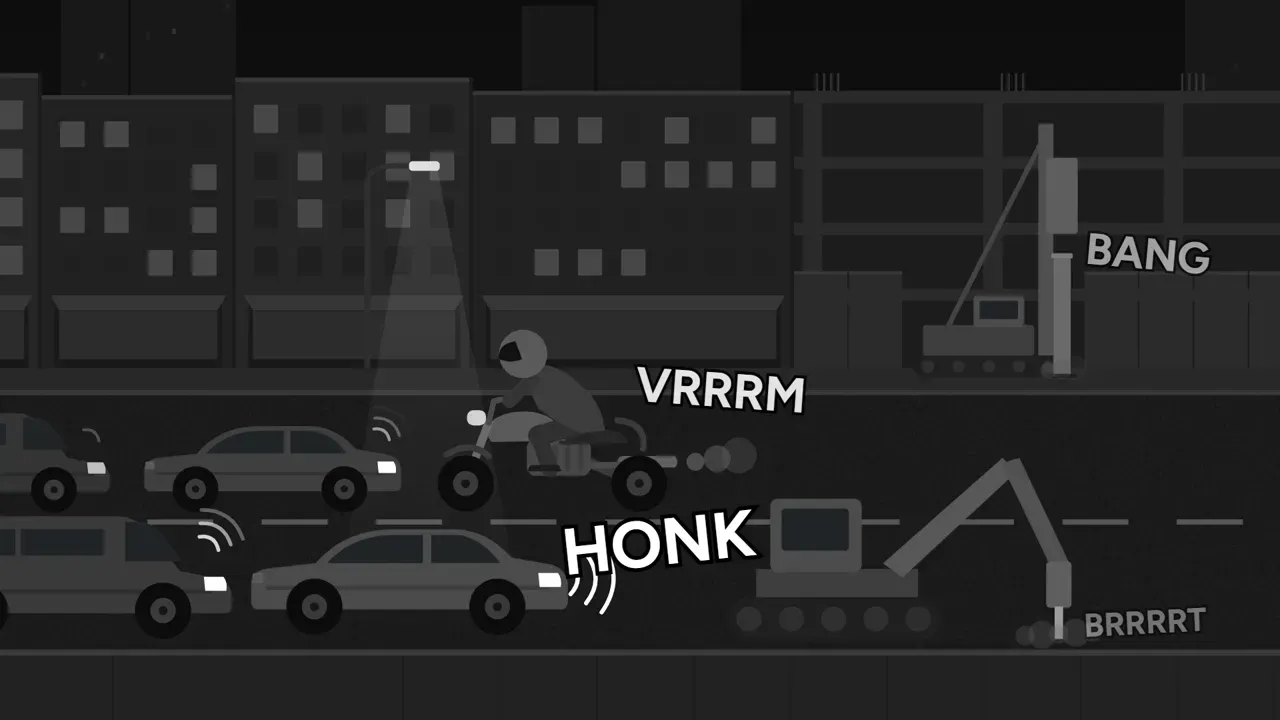
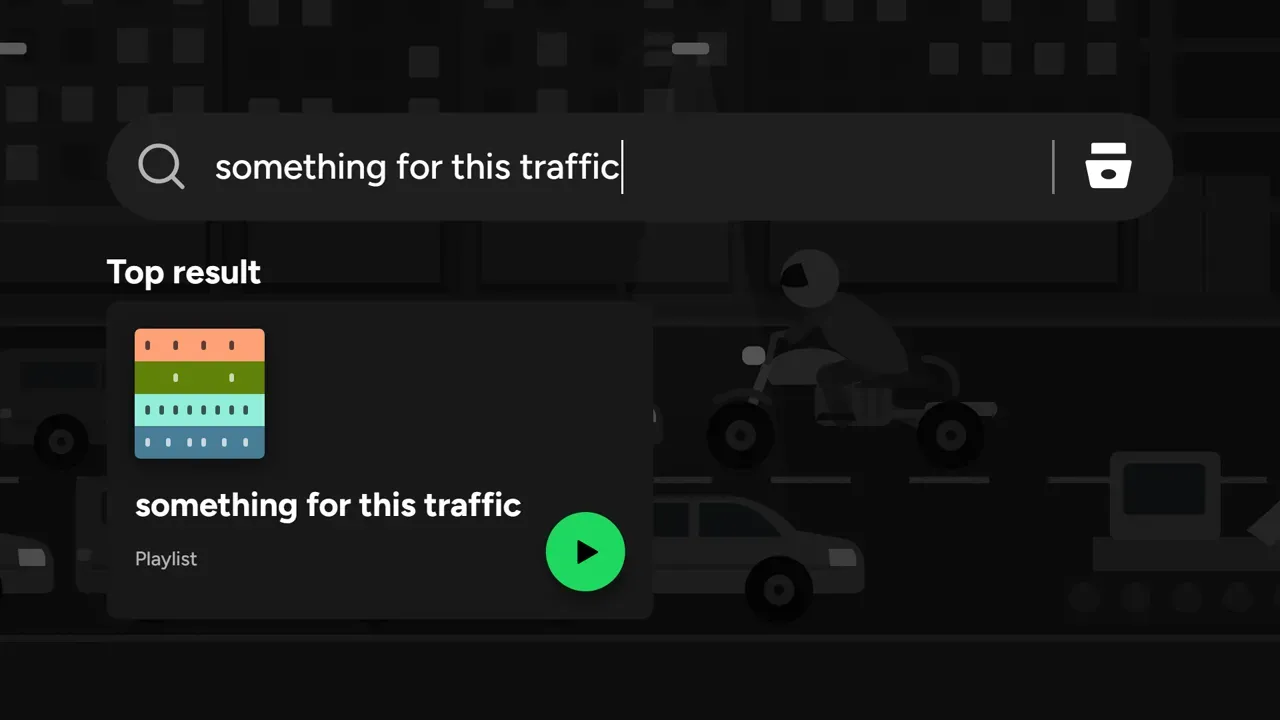
Frames from a real film made from one prompt, with its whole workflow published stage by stage.

See how it was madeUnofficial concept, not affiliated with Spotify.
Give your agent a director
Paste one line, then ask for a film in plain words. Ice takes it from brief to delivery and shows you its work at every step you want to see.
npx skills add Omar-Tnzxo/ice-motion-director -g --all